
10 Common Bookkeeping Mistakes in QuickBooks & How to Fix Them
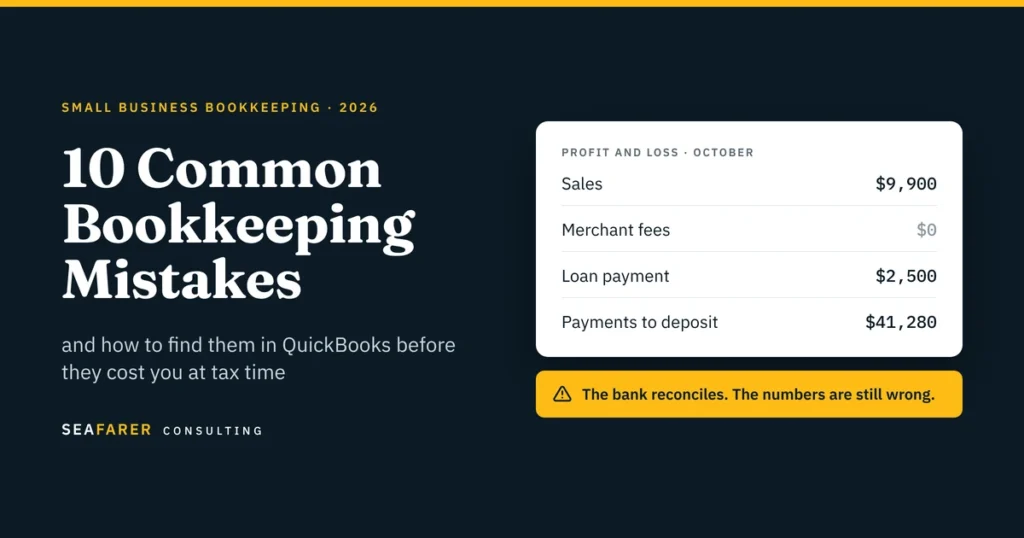
Most bookkeeping mistakes don’t show up as obvious errors. Your bank reconciles, QuickBooks shows a profit, and your reports look completely normal on the surface. The problem is that these hidden mistakes stay unnoticed until tax season, a loan application, or a sudden cash crunch. We have put together the 10 mistakes we most frequently find when taking over books from owners and previous bookkeepers. While most “bookkeeping mistakes” articles stop at generic advice like “separate your finances” and “use accounting software,” this guide goes deeper. We show you what each mistake looks like in QuickBooks Online, the report that exposes it, and how to fix it. If you are still deciding who should own your books, start with our guide to bookkeeping vs. accounting. Quick answer The most common bookkeeping mistakes are: Mixing Personal and Business Spending Accepting Bank Feed Suggestions Without Checking Them Booking Net Payment-Processor Payouts as Sales Recording Transfers, Loan Principal, and Owner Draws as Expenses Reconciling the Bank but Ignoring the Rest of the Balance Sheet Letting Payments to Deposit, Suspense or Clearing Accounts Pile Up Expensing Prepaids and Equipment the Month They Are Paid Treating Customer Deposits as Revenue on Receipt Tracking 1099 Vendors and Sales Tax Only at Year-End Closing the Month Without Reading the Reports The 10-minute self-audit You can check your own books for every mistake on this list without an accountant. Run each report in QuickBooks Online and look for the red flag. If any row turns up a red flag, the section below explains what went wrong and how to fix it. 1. Mixing Personal and Business Spending Ordering a personal product from Amazon using the company’s business card, or paying for business software on a personal card, creates two main problems: personal costs inflate your business expenses, and business costs paid personally go unrecorded and undeducted. How to fix it: Use separate accounts and dedicated bank cards for your business. When a mix-up happens anyway, record personal spending on a business card as an Owner Draw, do not record it as an expense. Conversely, record business spending paid on a personal card as an Owner Contribution or an expense reimbursement, and make sure to attach the receipt. The IRS expects you to be able to support every deduction with proper records. 2. Accepting Bank Feed Suggestions Without Checking Them The bank feed in QuickBooks only gives you automated suggestions. It does not do the accounting for you. If you accept everything blindly, it can create double transactions, link payments to the wrong invoices, or mark credit card payments as expenses. A credit card payment is a great example. The expense actually happened when you bought the item. Paying off the card just moves money from your checking account to your credit card. If you record that payment as an expense, you are counting the same cost twice. How to fix it: Reconcile every bank and credit card account monthly against the statement, not just the feed. A reconciliation that only ties the ending balance is not enough; the transactions inside it need to be right too. This is the core of our monthly bookkeeping service, and the step most DIY books skip. 3. Booking net payment-processor payouts as sales This is the mistake we fix most often for ecommerce and DTC brands and restaurants. Shopify, Square, Stripe and Toast deposit a net amount. Booking that deposit as sales hides your fees, understates refunds, and buries sales tax you owe the state. Here is a typical payout. A business sells $10,000 of product and collects $700 of sales tax on top. It issues $700 in refunds and pays $100 in processing fees. So, The deposit is $9,900. The correct entry: Account Debit Credit Bank (net payout) $9,900 Refunds and returns $700 Merchant and platform fees $100 Gross sales $10,000 Sales tax payable $700 The correct net revenue is $9,300. Book the $9,900 as sales instead and three things go wrong. Revenue is overstated by $600. The $800 of refunds and fees disappear from the P&L. And $700 of the state’s money is sitting in your income. Marketplaces are different. Amazon, Etsy and other marketplace facilitators usually collect and remit sales tax for you. That tax should not appear as a liability on your books at all. If you sell through both your own store and a marketplace, you need both treatments, and you may owe sales tax in states you have never filed in. Additionally, our sales and use tax team handles registration and filing in every state you sell into. Why it matters at tax time: The Form 1099-K a processor sends reports gross payments before fees and refunds. If your books only show net deposits, your revenue will not tie to the 1099-K, which is the mismatch that draws IRS notices. From our client work: The same problem shows up outside ecommerce. One of our clients collects state registration and filing fees from its customers and pays them on to the state. How to fix it: Record the gross sales, refunds, sales tax collected, and payment-processing fees separately from the net payout. The bank should receive the net amount, while the books preserve the gross activity and related liabilities and expenses. 4. Recording Transfers, Loan Principal, and Owner Draws as Expenses Not every dollar that leaves your bank account is a business expense. Three common transactions often get miscategorized: Transfers: When you transfer money between your checking, savings, or credit card accounts, you are simply shifting assets. It is not an expense. Loan Payments: Only the interest portion counts as an expense. The principal payment reduces your loan liability on the balance sheet. Owner Draws and Distributions: Money you withdraw for personal use belongs in equity, not as a business deduction. When these items are incorrectly categorized as expenses, it artificially lowers your reported profit, inflates your loan balances, and corrupts your tax filings. How